
2012 Apple Mac mini IMAC Macbook pro оперативная память 16 ГБ 8 4 DDR3 1600 | Компьютеры и офис
1 291,16 - 4 936,17 руб.

Новое поступление
Характеристики
*Текущая стоимость уже могла изменится. Что бы узнать актуальную цену и проверить наличие товара, нажмите "Добавить в корзину"
| Месяц | Минимальная цена | Макс. стоимость | Цена |
|---|---|---|---|
| Mar-20-2026 | 0.74 руб. | 0.17 руб. | 0 руб. |
| Feb-20-2026 | 0.59 руб. | 0.23 руб. | 0 руб. |
| Jan-20-2026 | 0.72 руб. | 0.50 руб. | 0 руб. |
| Dec-20-2025 | 0.33 руб. | 0.65 руб. | 0 руб. |
| Nov-20-2025 | 0.62 руб. | 0.98 руб. | 0 руб. |
| Oct-20-2025 | 0.75 руб. | 0.23 руб. | 0 руб. |
| Sep-20-2025 | 0.55 руб. | 0.34 руб. | 0 руб. |
| Aug-20-2025 | 0.9 руб. | 0.91 руб. | 0 руб. |
| Jul-20-2025 | 0.51 руб. | 0.9 руб. | 0 руб. |
Описание товара
 Description
Item specifics:
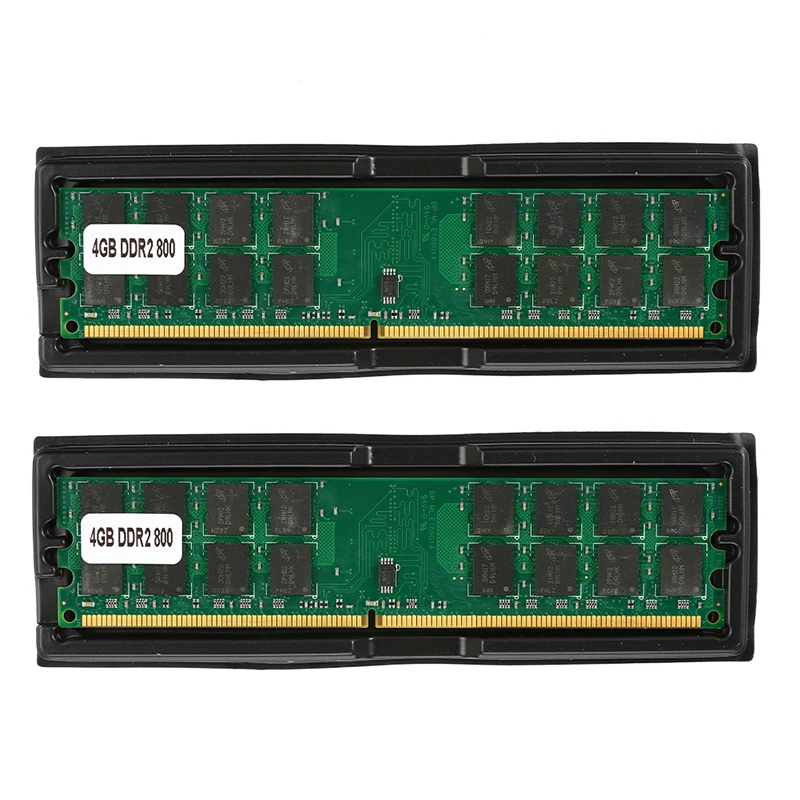
100%Brand new and high quality
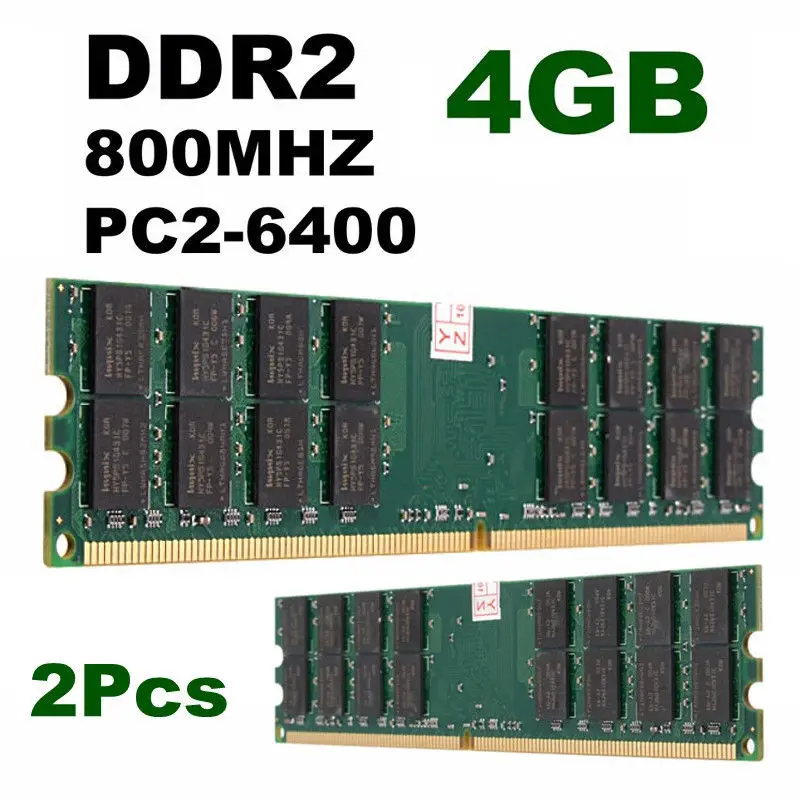
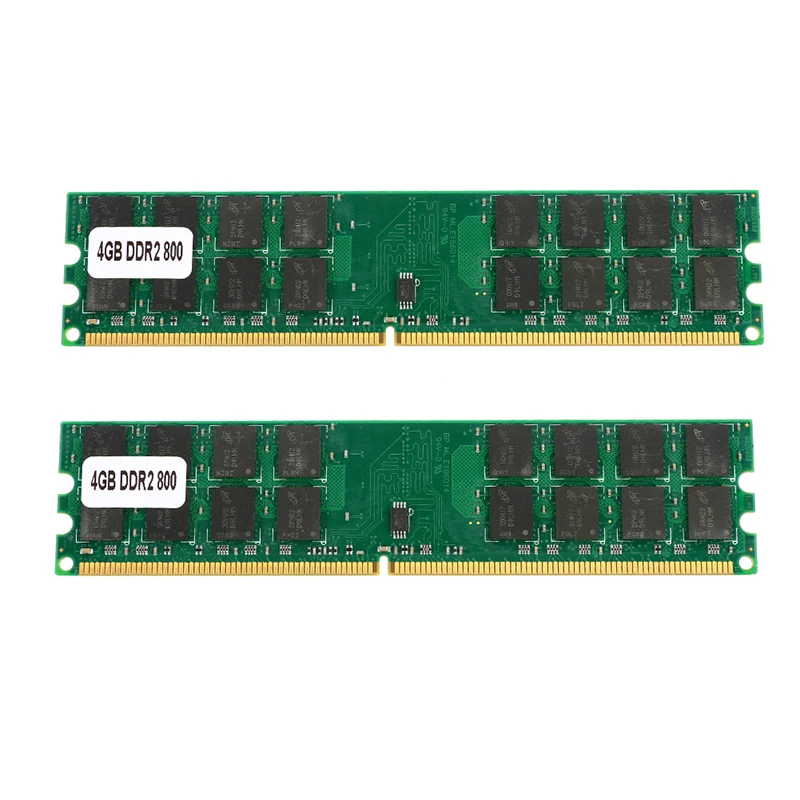
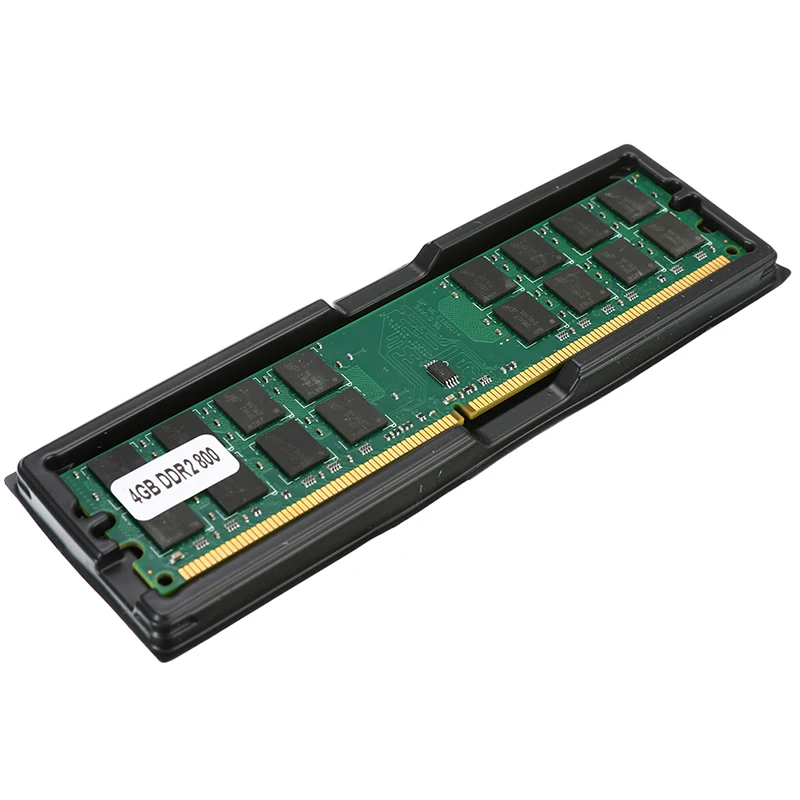
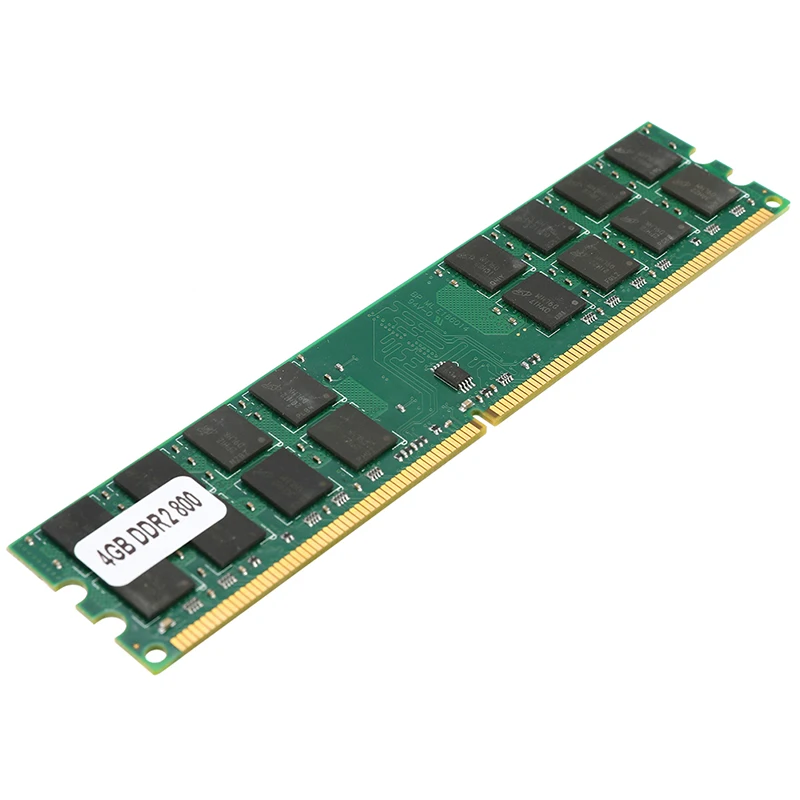
Capacity: 8GB (2x4GB)
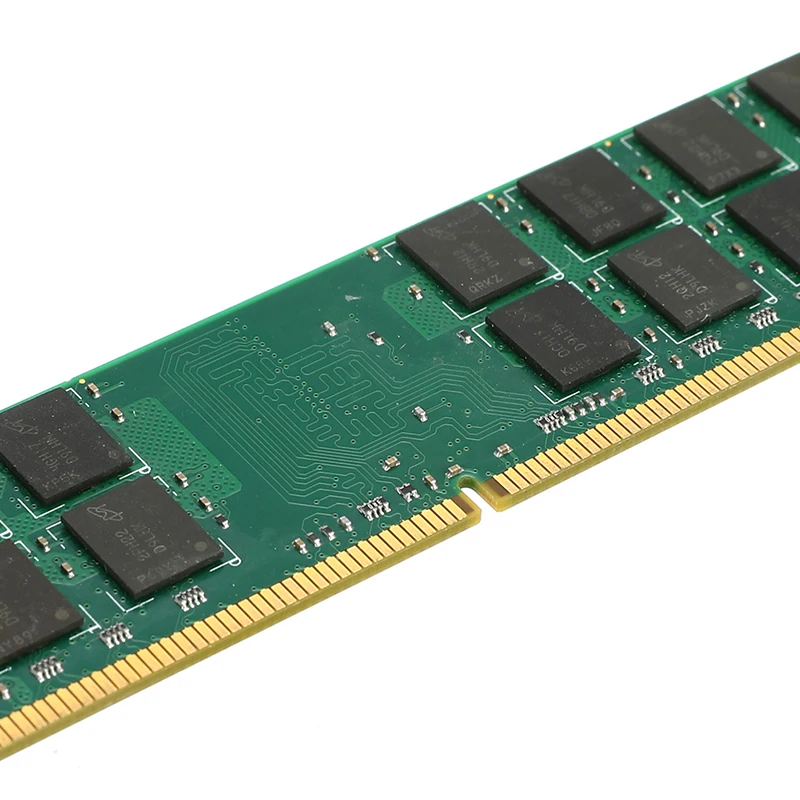
Pins: 240-Pin
Voltage: 1.8V
Form Factor: DIMM
Speed: PC2-6400 800MHz
Compatible with AMD system.
Note : Please be sure your motherboard fits this type of RAM and make sure your computer can support single 4GB RAM. If not, we recommend choosing 2X2GB RAM instead.
Package Included:
2 x 4GB MEMORY RAM
Dear Customers, Before you buy this Item, you may have the questions ...
"How to check the maximum storage capacity of my computer support?"
1. Press the taste "Windows" and "R", then the "Run" appears.
2. Enter "cmd". Then a dialog box appears.
3. Continue typing with "wmic memphysical maxcapacity", then press "Enter"
4. You can then get the number, the unit KB.
For example, as shown in the figure is the number 4,194,304, then put it in this formula.
Xxx / 1024/1024, 4194304/1024/1024 =4. " it means the computer can support up to 4GB Memory"!
"I do not know if this RAM fit for my computer"
OK, please download a program on the website: //www.cpuid.com/softwares/cpu-z.html
so you can check your computer and confirm your CPU specification.
when a specification of the computer is not the same with our information of our RAM memory, please do not buy this article because it will not work properly with your computer.
Caution: The imformation of our images is a computer, that we choose to test, is only for reference. For more information about your computer, please see the topic of "CPU" "SPD" "Memory".


Смотрите так же другие товары:


